

Improve your Arduino program
Memory space is limited on an Arduino board, it may be important to improve your Arduino program in order to avoid certain problems. The more we advance in programming, the more we come to write long and complex programs. It is important, as soon as possible, to take...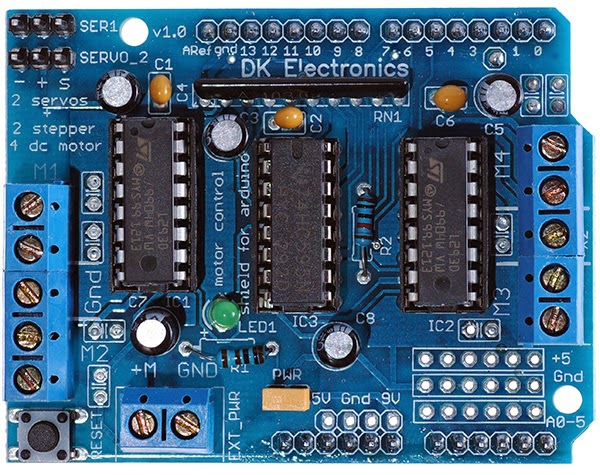
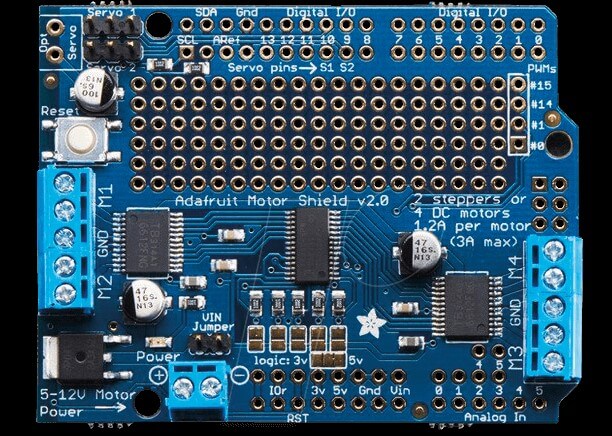
Control several motors with Motor Shield V1 and Arduino
The Motor Shield V1 is an expansion board for Arduino UNO and Mega microcontrollers for DC and stepper motor control. We have seen how to control a DC motor using H bridge which may require a lot of connections when using the simple integrated circuit. In an embedded...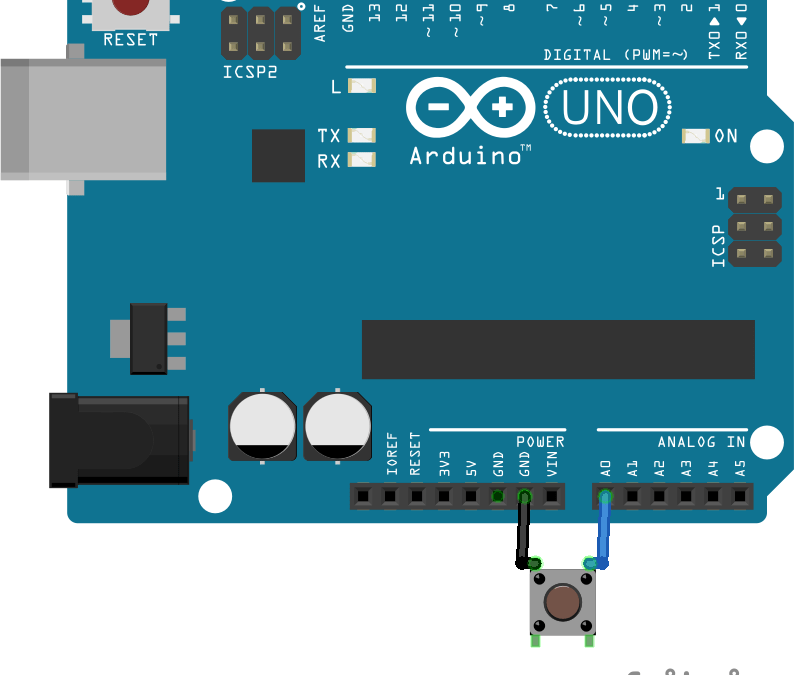
Management of a push button with Arduino
One of the most common examples when learning programming with Arduino is the management of a push button. Indeed, one of the most useful functions to develop is to be able to interact with the Arduino board. The most minimalist interface is a push button input and...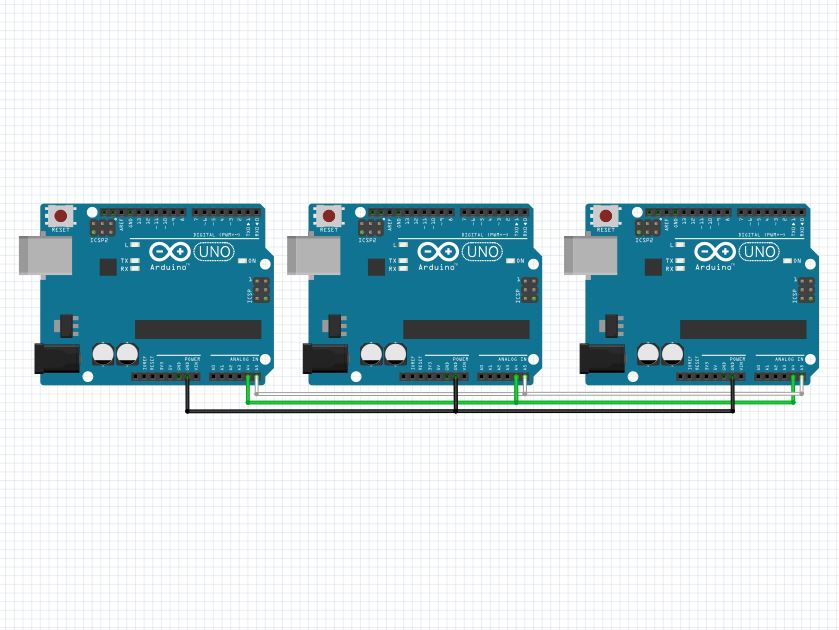
Manage multiple Arduino with an I2C bus
It can be practical, especially in home automation projects, to communicate between several devices. One of the commonly used techniques is the I2C (or TWI) protocol. The I2C protocol is a method which makes it possible to connect several “Master” cards and several...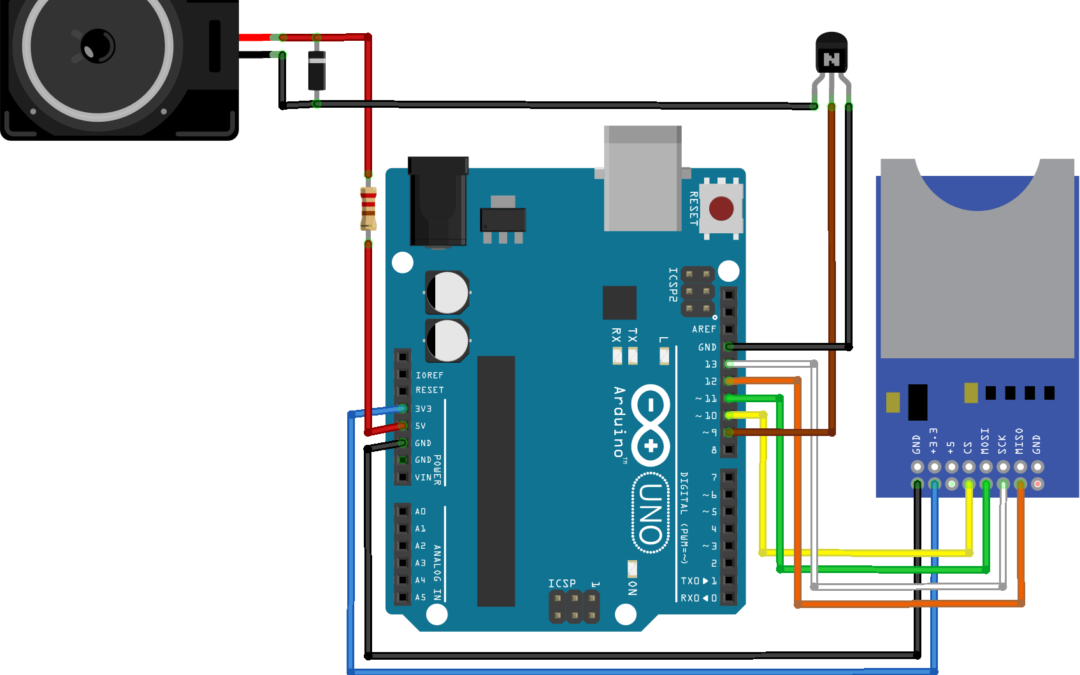
Give voice to your Arduino project
To make your Arduino project more interactive, it can be fun to make sounds based on certain actions. In this tutorial, we will see how to play a WAV audio file saved on an SD card with Arduino Prerequisite:Read and write on an SD card , Create or modify an audio file...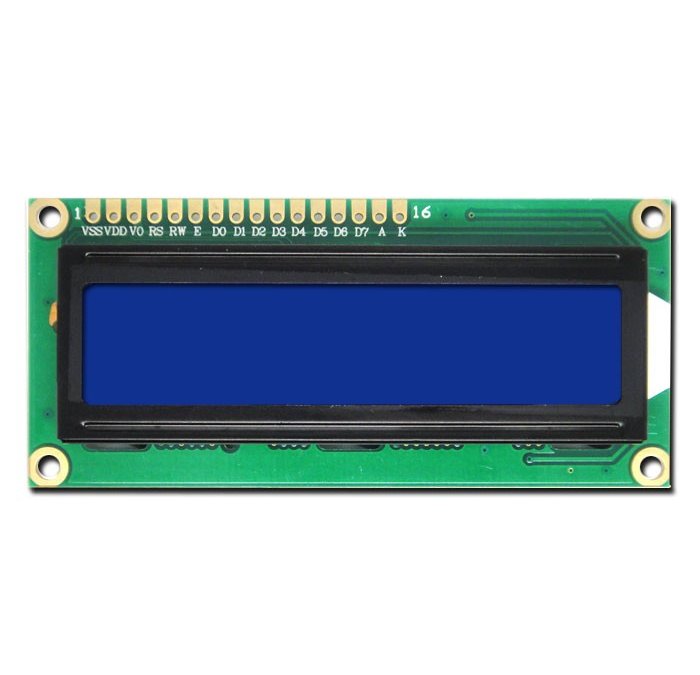
Using a LCD16x2 Screen with Arduino
One element that displays the most used in the world is information Arduino liquid crystal display (Liquid Crystal Display) LCD 16×2. When an electronic system is made, it may be interesting as it gives us some information about his condition without having to...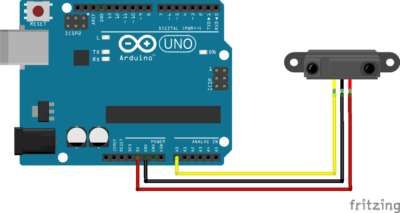
Using a distance sensor GP2Y0A21 with Arduino
The sensor GP2Y0A21 is an infrared distance sensor from Sharp that can detect object located at a distance between 10 and 80cm in front of it. Hardware Computer Arduino UNO USB A/B GP2Y0A21 Operating principle The distance sensor GP2Y0A21 uses infrared light to...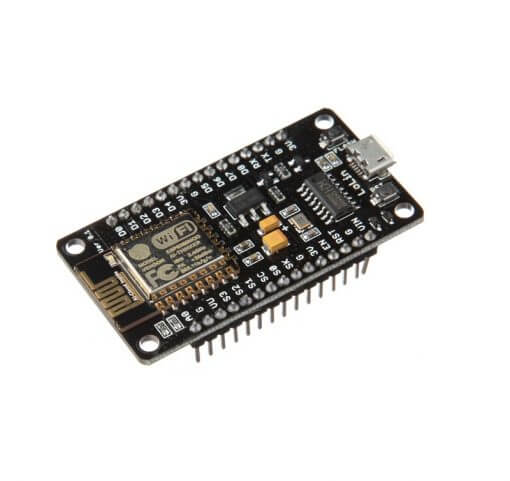
Program a NodeMCU ESP8266 with Arduino IDE
A large number of microcontrollers such as NodeMCU ESP8266 can be programmed with the Arduino IDE. Arduino boards are powerful and very practical for learning and carrying out projects, with an extremely large mutual aid community. However, there are other...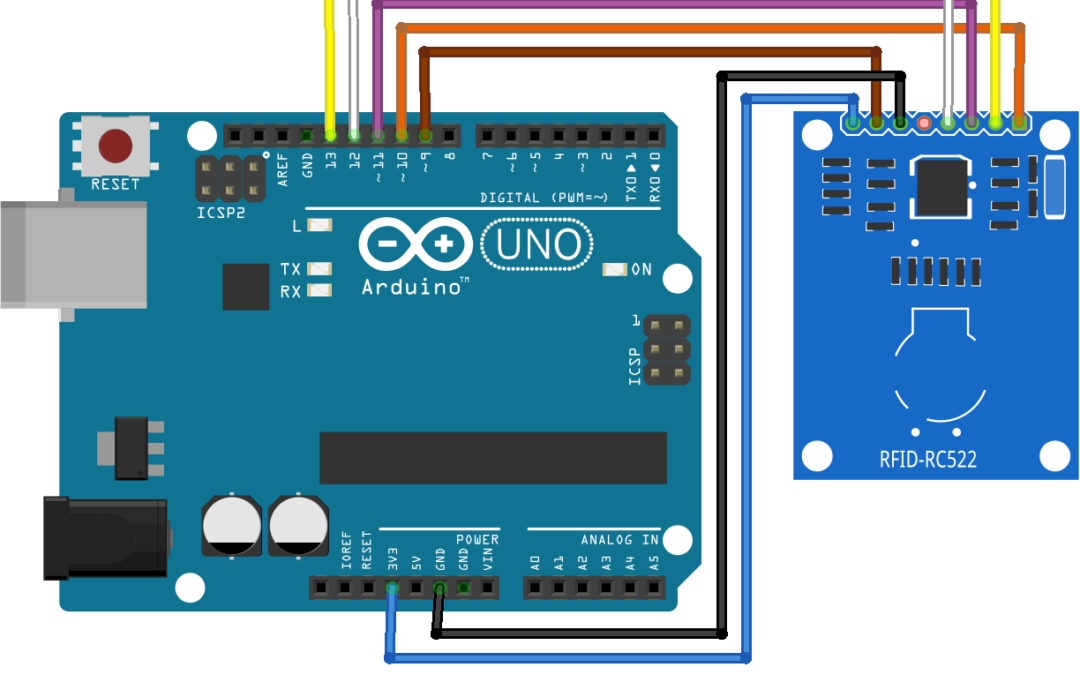
Using a RFID module with Arduino
The RFID module is a smart card reader which allows among others, to activate a mechanism when the correct card is presented to the reader. We will use here the RC522 module, which is the most common. Hardware Computer ArduinoUNO USB Cable Module RFID Dupont Cable M/F...Products
-
 Robotic kit Quadrina Servo MG90S
208.33€
Robotic kit Quadrina Servo MG90S
208.33€
-
 STL file QuadrinaV1
1.50€
STL file QuadrinaV1
1.50€
-
 Robotic kit Rovy for DC Motor TTGM
137.50€
Robotic kit Rovy for DC Motor TTGM
137.50€
-
 Robotic kit WillySR Servo FS90R
100.00€
Robotic kit WillySR Servo FS90R
100.00€
License

Files are licensed under the Creative Commons – Attribution – Non-Commercial license