
Managing an IP Camera with Python
Whether you want to monitor your flat or the progress of your 3D printing, it can be useful to use an IP camera to have the images available from anywhere. In this tutorial, we will use an IP camera from which we will retrieve the images via Python. This tutorial can...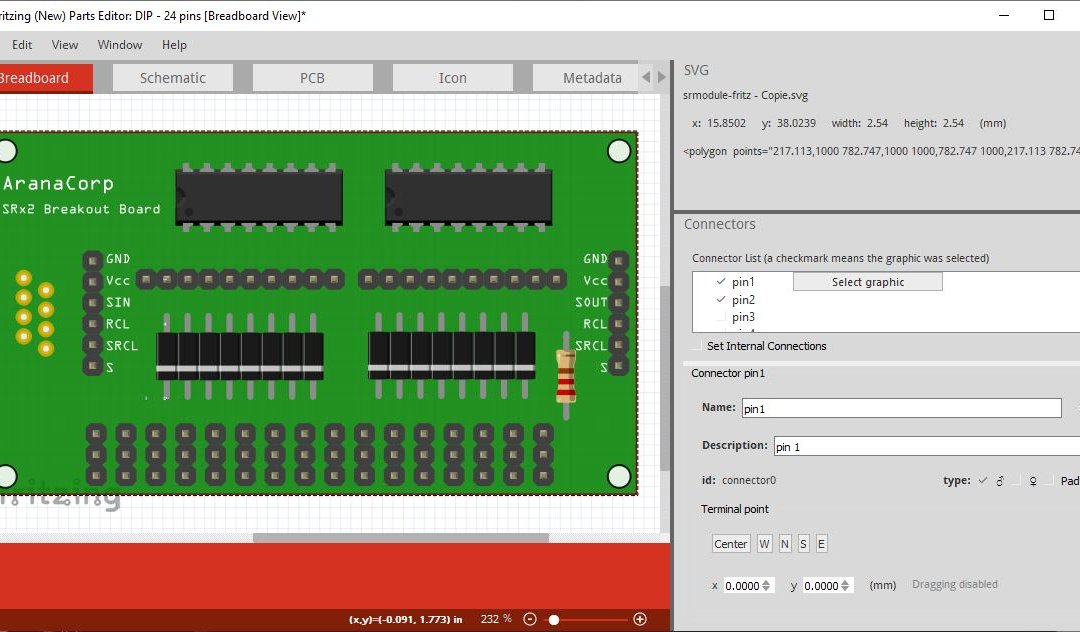
Creating (more beautiful) components in Fritzing
We have seen in a previous tutorial how to create a component in Fritzing. Now we will see how to improve the design and the import of the model. Material ComputerInkspaceFritzing Use Fritzing’s SVG files to compose your own Rather than redrawing all the...
Creating a graphical interface with Processing
In this tutorial we will see how to build a graphical interface with Processing. There are several tools to create a graphical interface: programming language (C, C++, Python, Java, etc.)Web language (HTML/CSS/PHP/Javascript)Software (LabView, Processing, etc.) The...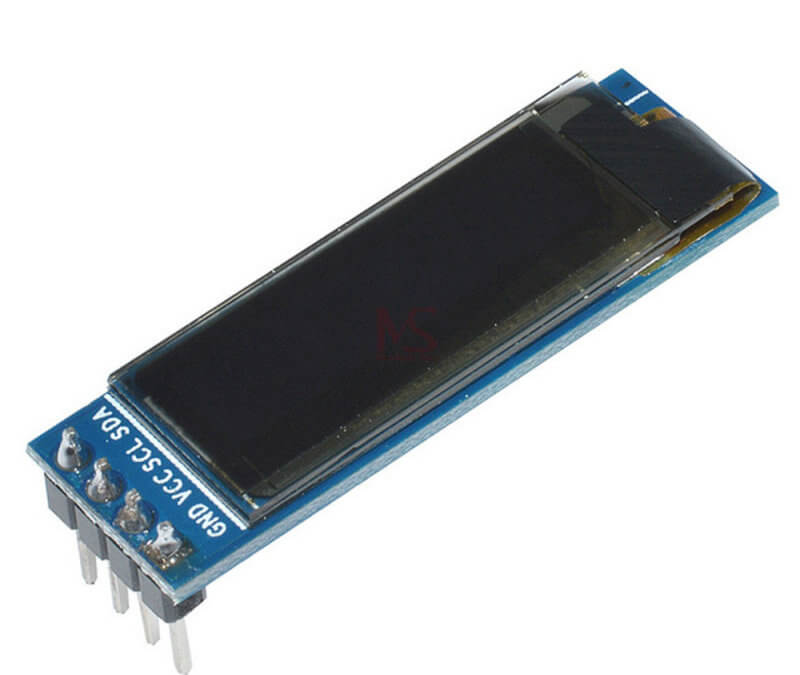
Using a 0.91in OLED display with Arduino
The 0.91in OLED display is a compact graphic display with a resolution of 128×32 pixels that allows you to draw and display text to create a graphical interface. Among all the displays available for the Arduino, the OLED display is taking more and more space on the...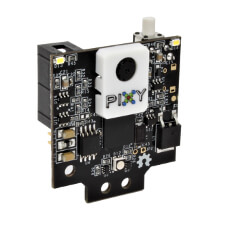
Computer vision with Arduino and the Pixy2 camera
The Pixy2 camera is a computer-aided visual recognition system. It allows your microcontroller to detect colors or lines to create a line-following robot for example or to catch colored objects. Material ComputerArduino UNO, Mega or NanoUSB cable A Male/B MalePixy2...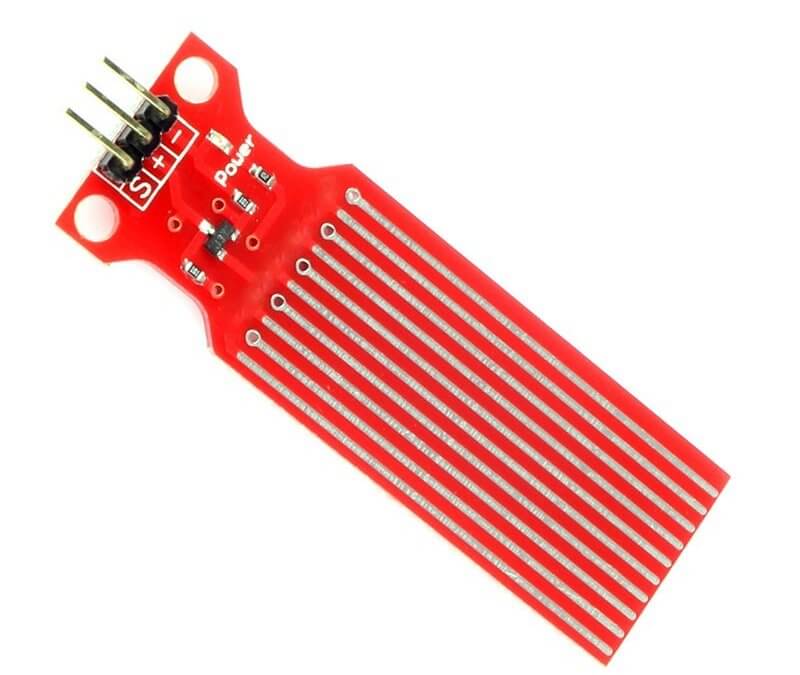
Using a water level sensor with Arduino
The water level sensor is designed to detect water, it can be widely used to detect precipitation, water level in a cavity or even liquid leakage. The sensor is mainly composed of three parts: an electronic connector, a 1 MΩ resistor and several lines of bare wire....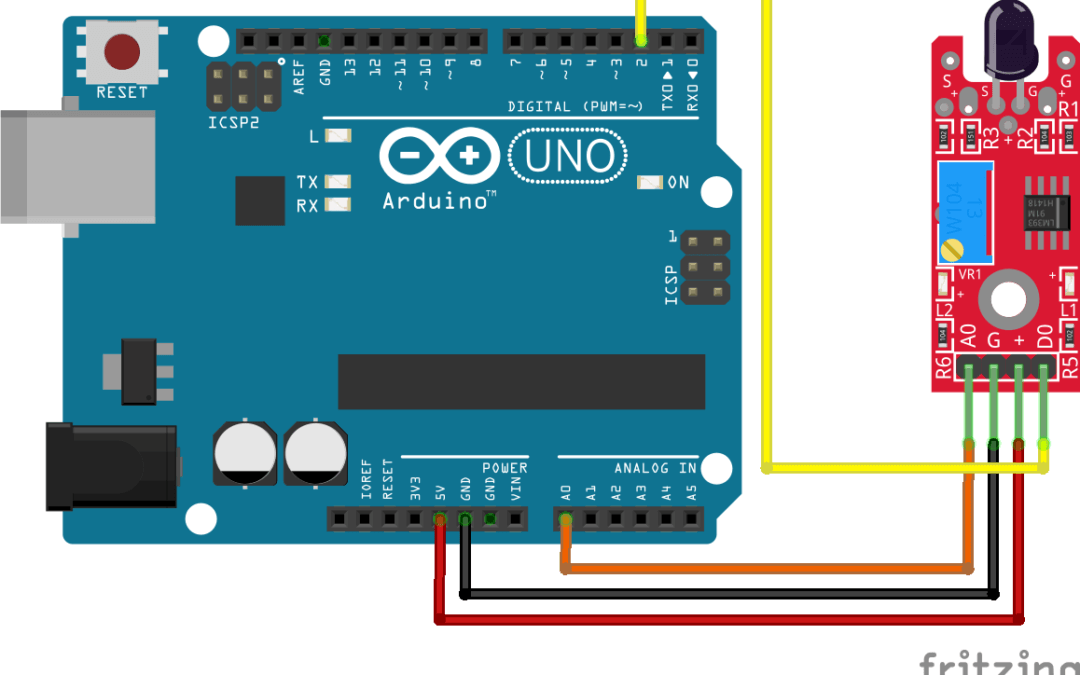
Using a flame sensor with Arduino
The KY-026 flame sensor module detects flames using an infrared receiver that will pick up light emissions from heat sources. This tutorial is applicable to all Arduino compatible boards. Material ComputerArduino UNOUSB cable A Male/B MaleFlame sensor KY-026 Principle...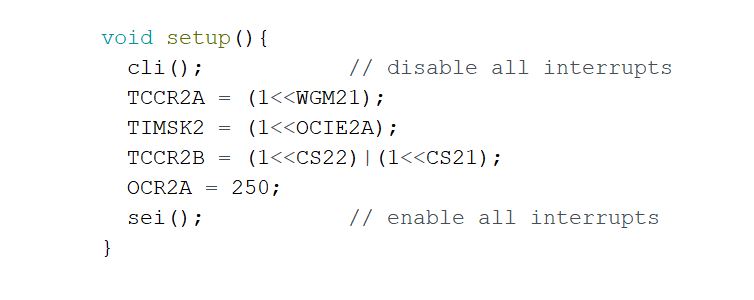
Using the Arduino Timers
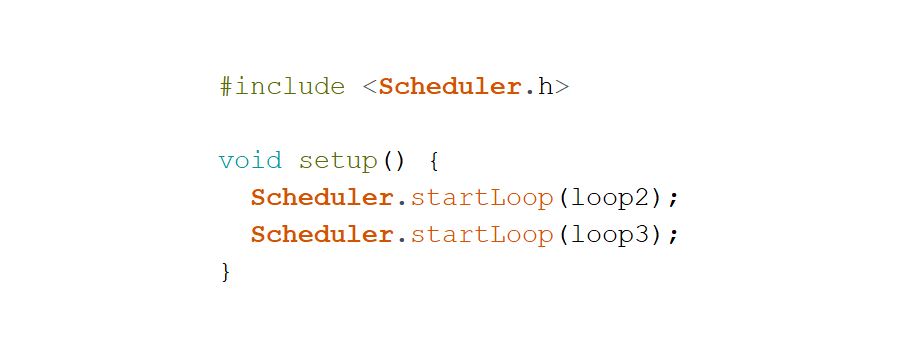
The use of timers in Arduino is an advanced method to execute code without disturbing the rest of the program. They allow to activate functions at specific time intervals. Timers are used in many libraries in a completely transparent way for the user (millis(),...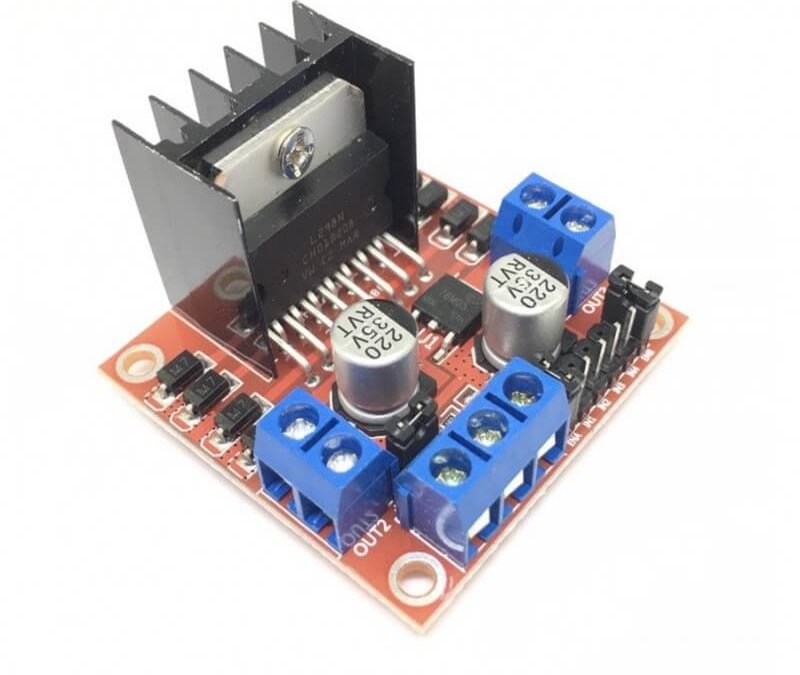
Using an L298N module with Arduino
The L298N module is a development board based on the L298N integrated circuit allowing the driving of a DC motor or a stepper motor. We have already seen the use of the H-bridge. It can be found as a convenient module to use with different performances depending on...Products
-
 Robotic kit Quadrina Servo MG90S
208.33€
Robotic kit Quadrina Servo MG90S
208.33€
-
 STL file QuadrinaV1
1.50€
STL file QuadrinaV1
1.50€
-
 Robotic kit Rovy for DC Motor TTGM
137.50€
Robotic kit Rovy for DC Motor TTGM
137.50€
-
 Robotic kit WillySR Servo FS90R
100.00€
Robotic kit WillySR Servo FS90R
100.00€
License

Files are licensed under the Creative Commons – Attribution – Non-Commercial license