

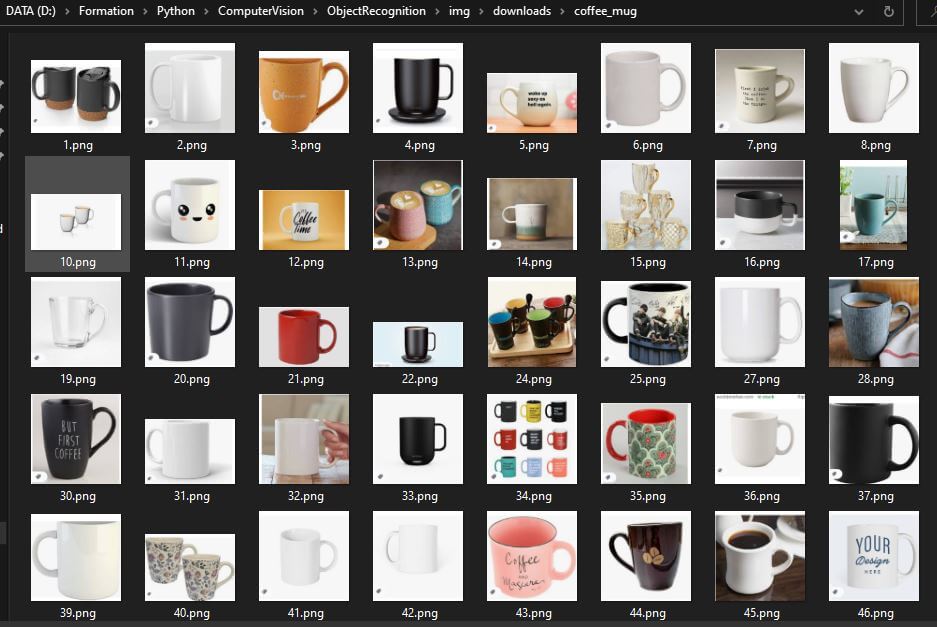
Prepare an image bank for Model training
To prepare an image database for training a neural network in object recognition, you need to recognize the images in the database yourself. This means giving them a label and a recognition zone. This tutorial follows on from the article Creating an image bank....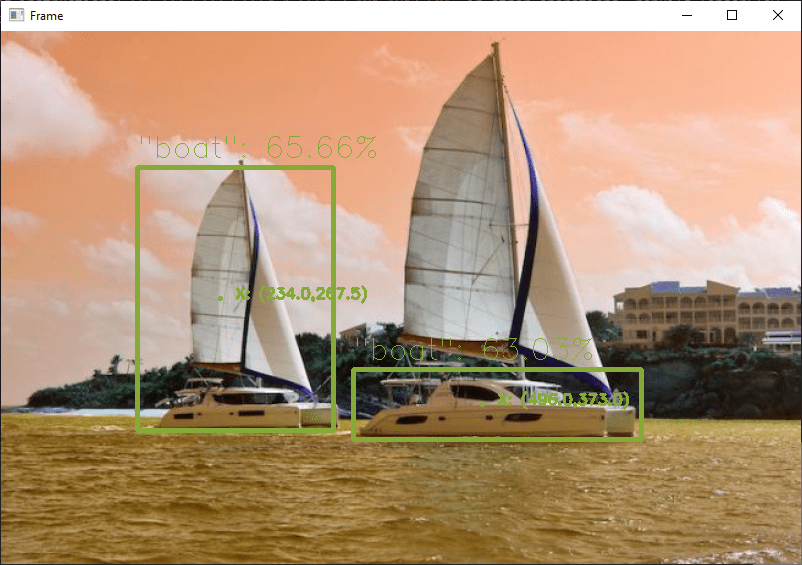
Object recognition with TensorFlow and OpenCV
In this tutorial, we’ll look at how to perform object recognition with TensorFlow and OpenCV, using a neural network pre-trained with deep learning. We saw in a previous tutorial how to recognise simple shapes using computer vision. This method only works for...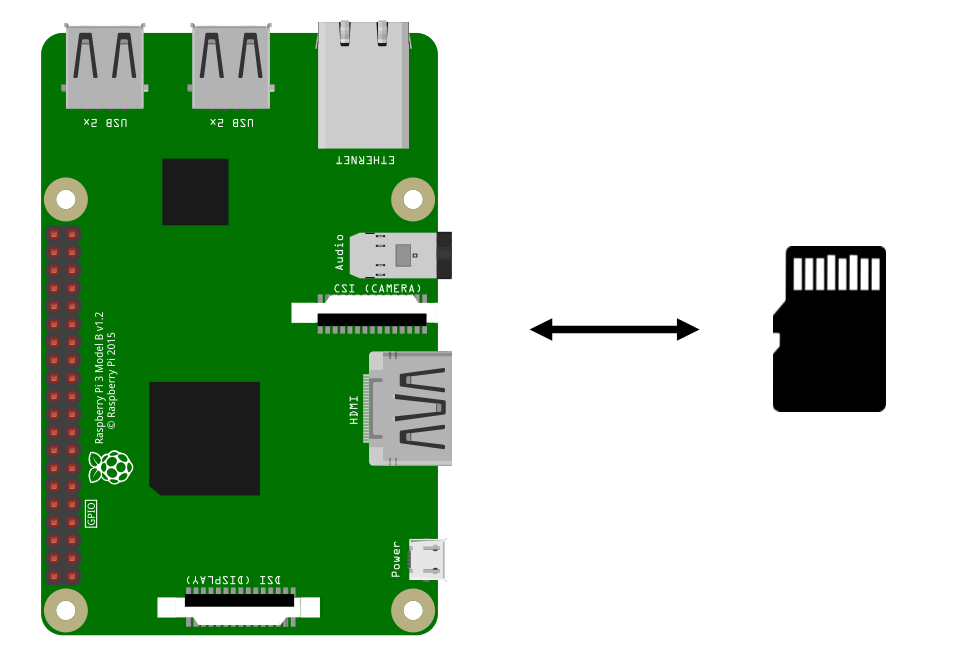
Lightweight Raspberry Pi image backup
We present here a method for making a light backup and restoring a Raspberry Pi. Creating a backup, an image of your Raspberry Pi, is essential in the event of SD card corruption or power failure. On Raspberry Pi and other single-board computers, the SD card often...
Creating an application with React Native and VSCode
In this tutorial, we’ll look at how to program a smartphone application using React Native and VSCode. React Native is a powerful tool for creating cross-platform applications (Android, IOs) using the JavaScript language. Visual Studio Code is a code editor for...
Text recognition with Python
In this tutorial, we’ll look at how to recognize text from images using Python and Tesseract. Tesseract is a tool for recognizing characters, and therefore text, contained in an image (OCR, Optical Character Recognition). Installing Tesseract Under Linux To...
A few notes on using Git
GitHub is an open source version management and collaboration platform for software developers. It is based on Git, an open source versioning tool. It provides a chronology of lossless developments, which can easily be multi-user by specifying the author, date and...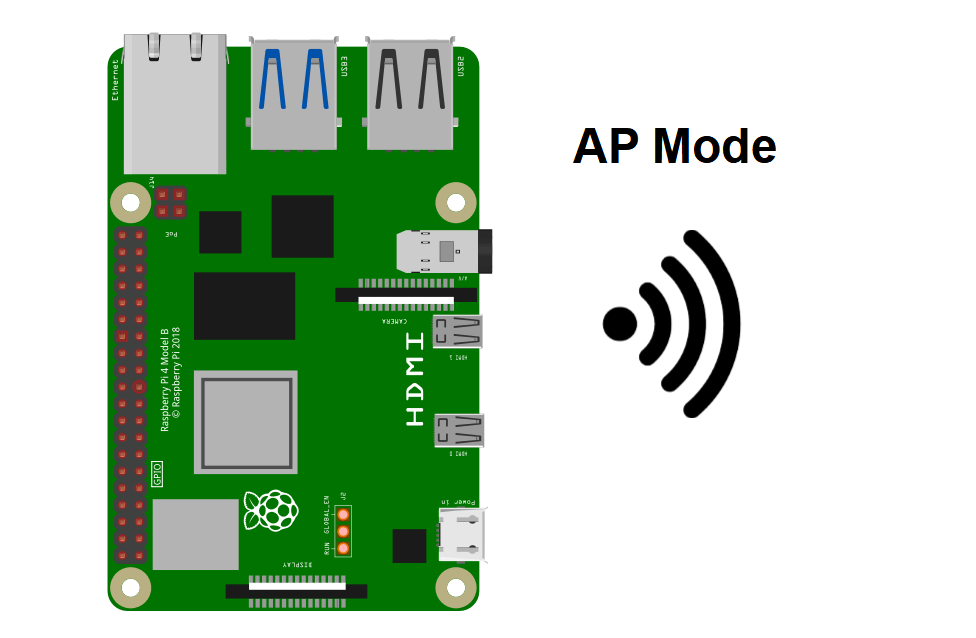
Configuring a Raspberry Pi as a Wifi Access Point
The Raspberry Pi can be configured as a Wi-Fi Access Point. This is useful when the Raspberry Pi doesn’t have access to a wifi network and you want to connect to it locally. In this tutorial, we’ll look at how to configure the Raspberry Pi to generate its...
Setting up an MQTT server with Mosquitto
To test and use the MQTT protocol, you can install an MQTT server with Mosquitto on a Windows or Linux computer. A common application is to install Mosquittoon a Raspberry Pi and use it as an MQTT server for IoT and home automation. MQTT protocol description MQTT...
Draw curves on your Web App with Chart.js
It’s possible to plot curves in real time on a web app using Chart.js. When you create a web app, you’re bound to want to display data. The Chart.js library integrates with your html files and JavaScript scripts to plot data from sensors, files or...Products
-
 Robotic kit Quadrina Servo MG90S
208.33€
Robotic kit Quadrina Servo MG90S
208.33€
-
 STL file QuadrinaV1
1.50€
STL file QuadrinaV1
1.50€
-
 Robotic kit Rovy for DC Motor TTGM
137.50€
Robotic kit Rovy for DC Motor TTGM
137.50€
-
 Robotic kit WillySR Servo FS90R
100.00€
Robotic kit WillySR Servo FS90R
100.00€
License

Files are licensed under the Creative Commons – Attribution – Non-Commercial license